Just ask.Your form is ready.
Describe what you need to your AI assistant, or build it yourself in the studio. Fields, validation, payments and signatures are built for you. Then you publish one link.
It's free. No card needed.
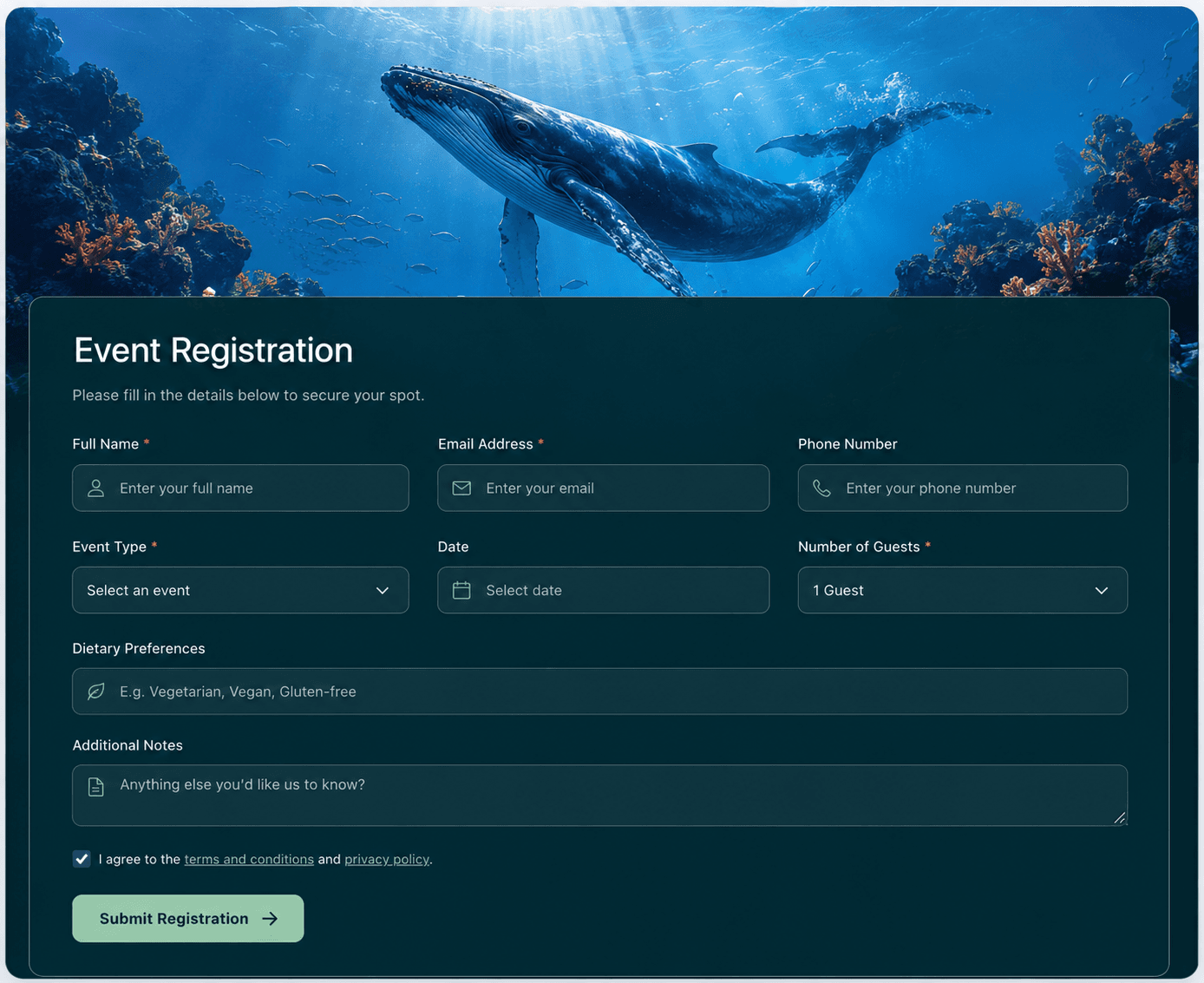
This is what your form looks like
Describe it in a sentence and it is built for you. Every form you publish opens as a clean page like this one, on a phone or a laptop. Your questions, your colours, one link to share. Nobody has to sign up to fill it in.
You describe it
Event Registration
Full name
Email address
Ticket type
Dietary requirements
And it opens like this
- field types
- 21
- ready templates
- 100+
- apps via Zapier
- 1,000s
- MCP tools
- 6
Works where you already work
One sentence in. A working form out.
Six MCP tools let any AI assistant that speaks MCP build and read your forms, signed in as you. No keys to copy, nothing to paste. The same 21 field types are available whether you type a sentence or drag them yourself.
- Three priced session tiers, from one sentence
- A date picker that hides slots already booked
- A signature field for the model release
- Card payment, straight to the studio's own account

Quick Feedback
How was your visit today?

Maya just submitted
Posted to #signups
Row added to Sheet
$40.00 received
Already shipped, rarely mentioned
Things Typeform bills for and Tally puts behind Pro.

Card payments
Take money inside the form. Stripe Connect pays your own account directly, once off, monthly, or as a donation.

E-signatures
A signature field that holds up. Releases, waivers and contracts get signed before anyone leaves the page.

Google Sheets sync
Each response appended to a spreadsheet you own, as it arrives. We only ask to write the rows.

Excel export
Download the whole response set in one click. One column per field, no cleanup needed.
Everything included, not upsold
No add-on marketplace, no feature paywall on the essentials.
Conditional logic
Show or hide a question based on a previous answer, so one form covers every branch.
Slack notifications
A new response posts straight to the channel you pick, the moment it lands.
Zapier
Send responses to several thousand other apps, with no code and no webhook to wire up yourself.
Calendar-aware booking
Appointment fields skip times you're already busy, and confirmed bookings land on your calendar.
Address autocomplete
One field, typed once, split into street, city, state and zip automatically.
Hidden fields
Capture a UTM parameter or referral code from the link, with nothing for the respondent to see.
Custom themes
Match a form to your brand in a couple of clicks, not a stylesheet.
Webhooks
Push every response to your own endpoint the moment it's submitted.
One sentence, any scene
Start from one of these, or describe your own. You get the same live form either way.

Or start from one that already works
Publish it as it is, or hand one to your assistant and reshape it in a sentence. Intake forms, waivers, bookings and applications are all editable, and all yours the moment you open one.
Browse all templatesQuestions, answered
Is Deooch Forms free?
Yes. The free plan publishes up to 5 forms and collects 100 responses total, no card required. Upgrade only once you need more forms, more responses, or a custom domain.
Can I build a form by talking to an AI assistant?
Yes. Any assistant that speaks MCP, including Claude, ChatGPT and Cursor, can create, edit and publish a form from a plain English request, signed in as you, with no API key to copy.
Can I accept payments on a form?
Yes, through Stripe Connect. Add a payment field for a single charge, a subscription, or a donation, and the money goes straight to your own Stripe account. We never hold it.
Does Deooch Forms support e-signatures?
Yes. A signature field holds up for waivers, releases and contracts, and it's included on every plan.
Can responses sync to Google Sheets or export to Excel?
Both. Google Sheets sync appends each response as it arrives, and every form can export its full response set to Excel or CSV in one click.
How many templates can I start from?
100+ ready made templates. Publish one as it is, or hand it to your AI assistant to reshape in a sentence.
Ready to get started?
Create your first form and see why describing one beats building it.
Free plan, no card required.